

Hyperlink Properties


The hyperlink properties panel of an element opens when clicking the icon  of its context menu.
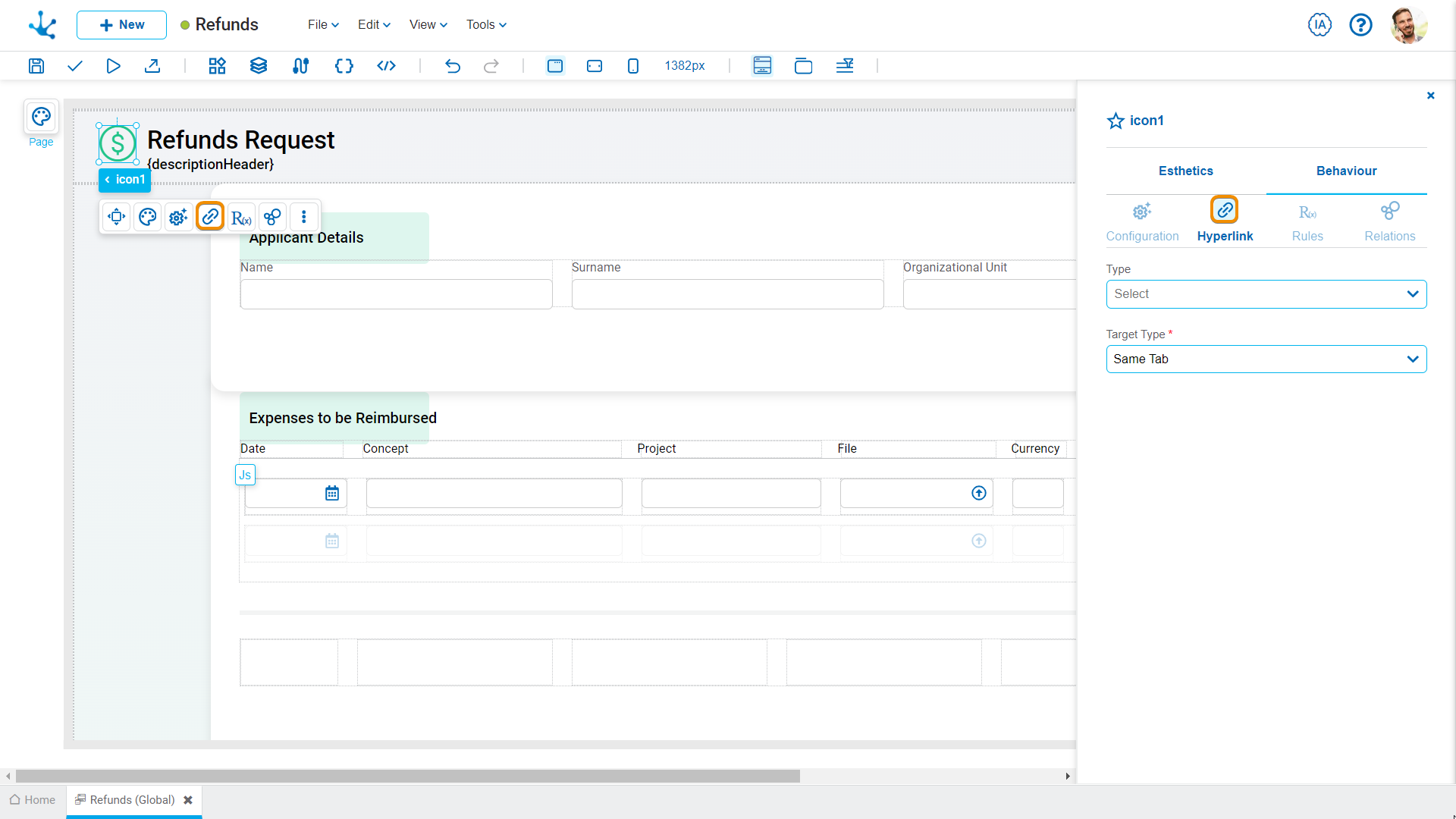
Define the behavior of the element when selecting it. Different properties are enabled depending on the type of object selected.
Page
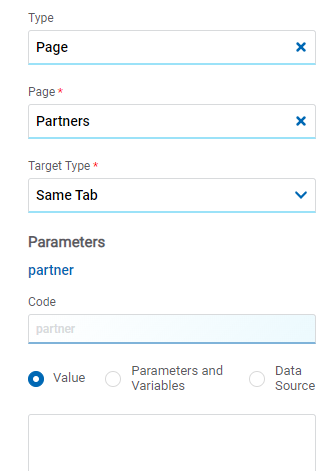
Page
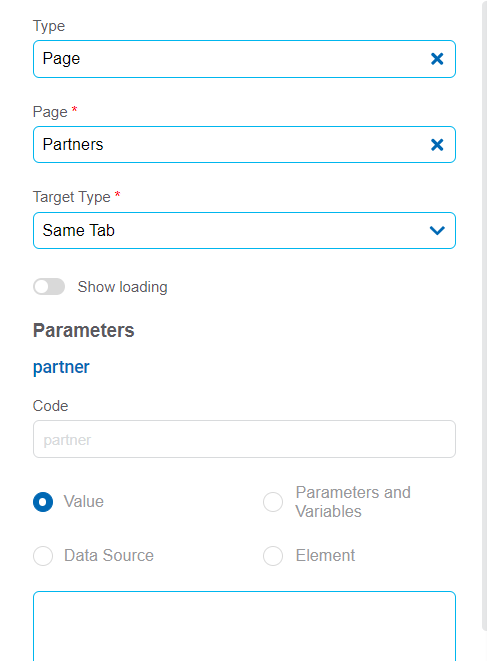
Page
The pages modeled in the environment are displayed.
Destination Type
The available options for opening the object are displayed.
Possible Values
•Same Tab
•New Window
•Modal: selecting this option enables additional properties.
Modal Horizontal Size
Defines its width.
Modal Vertical Size
Defines its height.
•Iframe: selecting this option enables an additional property.
Destination Iframe
Expands the iframes previously defined on the page.
•Superior Iframe: defines the iframe that contains the specific element where the hyperlink is being applied as destination.
•Parent Iframe: defines the iframe that contains the entire current object as destination
Parameters
If there are parameters, their value can be specified with text, parameters and variables or data source.
Deyel Page
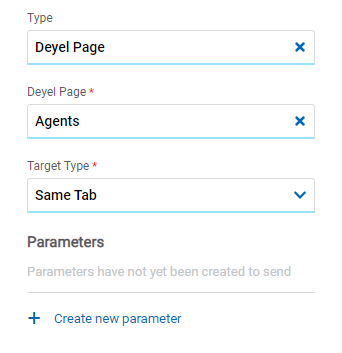
Deyel Page
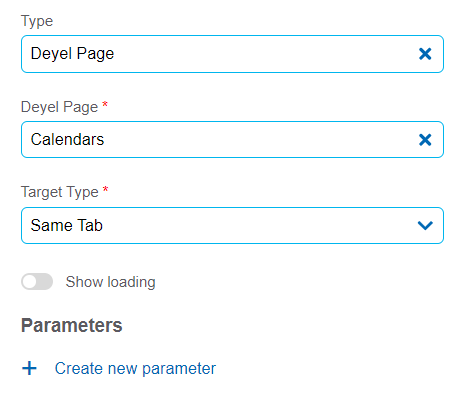
Deyel Page
The pages belonging to Deyel are displayed.
Destination Type
The available options for opening the object are displayed.
Possible Values
•Same Tab
•New Window
•Modal: selecting this option enables additional properties.
Modal Horizontal Size
Defines its width.
Modal Vertical Size
Defines its height.
•Iframe: selecting this option enables an additional property.
Destination Iframe
Expands the iframes previously defined on the page.
•Superior Iframe: defines the iframe that contains the specific element where the hyperlink is being applied as destination.
•Parent Iframe: defines the iframe that contains the entire current object as destination
Parameters
Allows sending parameters to the selected object type.
Form
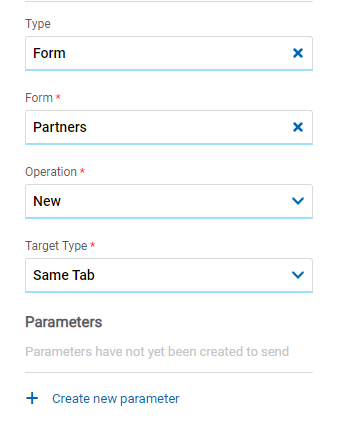
Entities and Forms
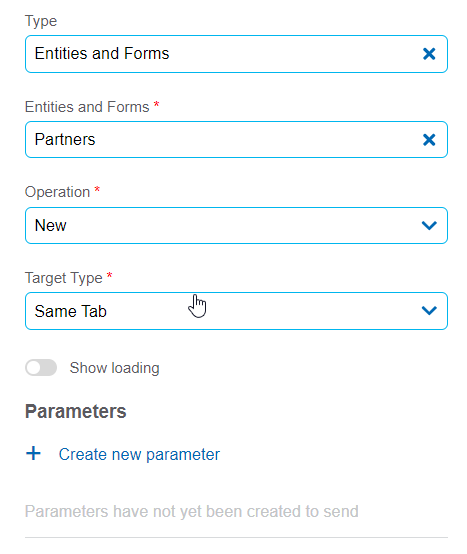
Entities and Forms
The entities and forms modeled in the environment are displayed.
Operation
Defines the operation made when selecting the object.
Possible Values
•Create: Indicates that the panel of the object selected in the previous property is opened for the creation of an instance.
•Update: Indicates that the panel of the object selected in the previous property is opened for the update of an instance.
•Show: Indicates that the panel of the object selected in the previous property is opened for the query of an instance.
•Grid: Indicates that the grid of the object selected in the previous property is opened.
Destination Type
The available options for opening the object are displayed.
Possible Values
•Same Tab
•New Window
•Modal: selecting this option enables additional properties.
Modal Horizontal Size
Defines its width.
Modal Vertical Size
Defines its height.
•Iframe: selecting this option enables an additional property.
Destination Iframe
Expands the iframes previously defined on the page.
•Superior Iframe: defines the iframe that contains the specific element where the hyperlink is being applied as destination.
•Parent Iframe: defines the iframe that contains the entire current object as destination
Parameters
Allows sending parameters to the selected object type.
Process
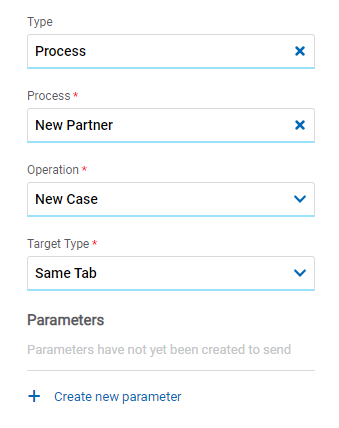
Process
Process
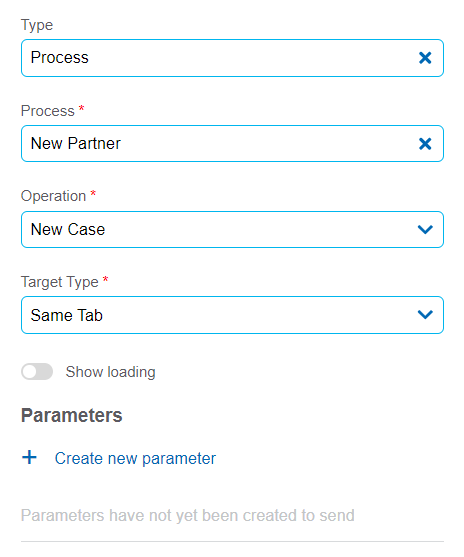
The processes modeled in the environment are displayed.
Operation
Defines the operation made when selecting the object.
Possible Value
•New Case: Indicates that a case of the process selected in the previous property is started.
Destination Type
The available options for opening the object are displayed.
Possible Values
•Same Tab
•New Window
•Modal: selecting this option enables additional properties.
Modal Horizontal Size
Defines its width.
Modal Vertical Size
Defines its height.
•Iframe: selecting this option enables an additional property.
Destination Iframe
Expands the iframes previously defined on the page.
•Superior Iframe: defines the iframe that contains the specific element where the hyperlink is being applied as destination.
•Parent Iframe: defines the iframe that contains the entire current object as destination
Parameters
Allows sending parameters to the selected object type.
Link
Link
Link
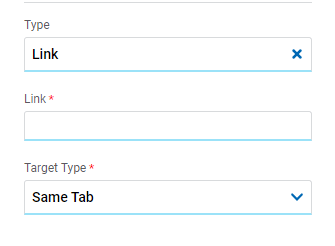
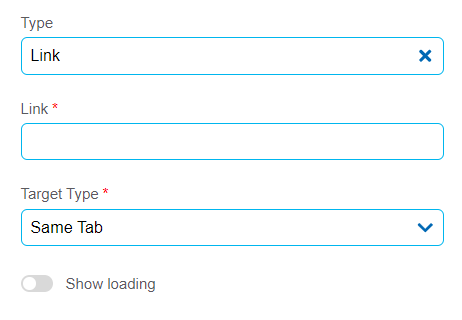
Allows to enter any link.
Destination Type
The available options for opening the object are displayed.
Possible Values
•Same Tab
•New Window
•Modal: selecting this option enables additional properties.
Modal Horizontal Size
Defines its width.
Modal Vertical Size
Defines its height.
•Iframe: selecting this option enables an additional property.
Destination Iframe
Expands the iframes previously defined on the page.
•Superior Iframe: defines the iframe that contains the specific element where the hyperlink is being applied as destination.
•Parent Iframe: defines the iframe that contains the entire current object as destination
Element
Element
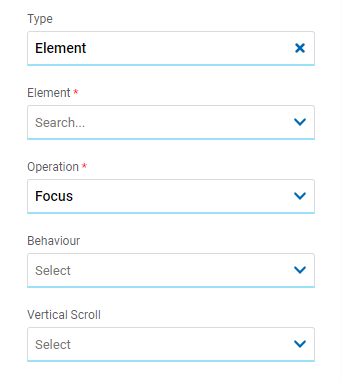
Element
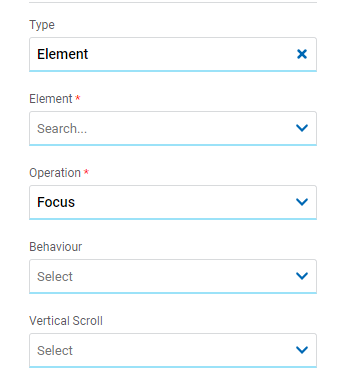
The modeled elements in the object are displayed.
Operation
Defines the operation made when selecting the element.
Behaviour
Establishes the transition of the animation. It is only modelable if the "Focus" operation was selected.
Possible Values
•Auto
•Smooth
Vertical Scroll
It is only modelable if the "Focus" operation was selected.
Possible Values
•Start: Moves to the start of the selected element.
•Closest: Moves to the closest position to the selected element from the element the event fires.
•Center: Moves to the center of the selected element.
•End: Moves to the end of the selected element.
Back
Back
It allows associating the event to go back in the browser to the element.