


Initiating a case allows the user to make the first task of it.
A new case can be created from the:
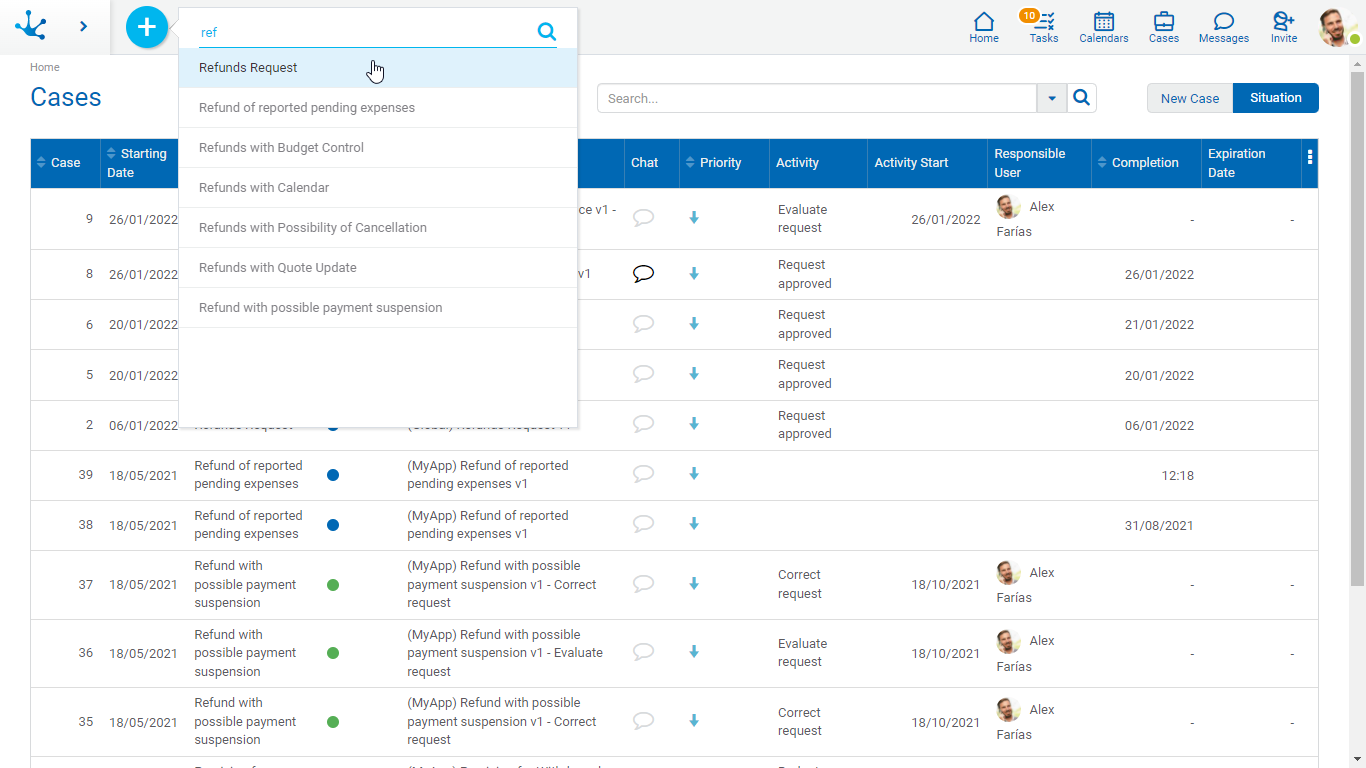
•The icon  corresponding to the context menu, selecting the process from the displayed menu.
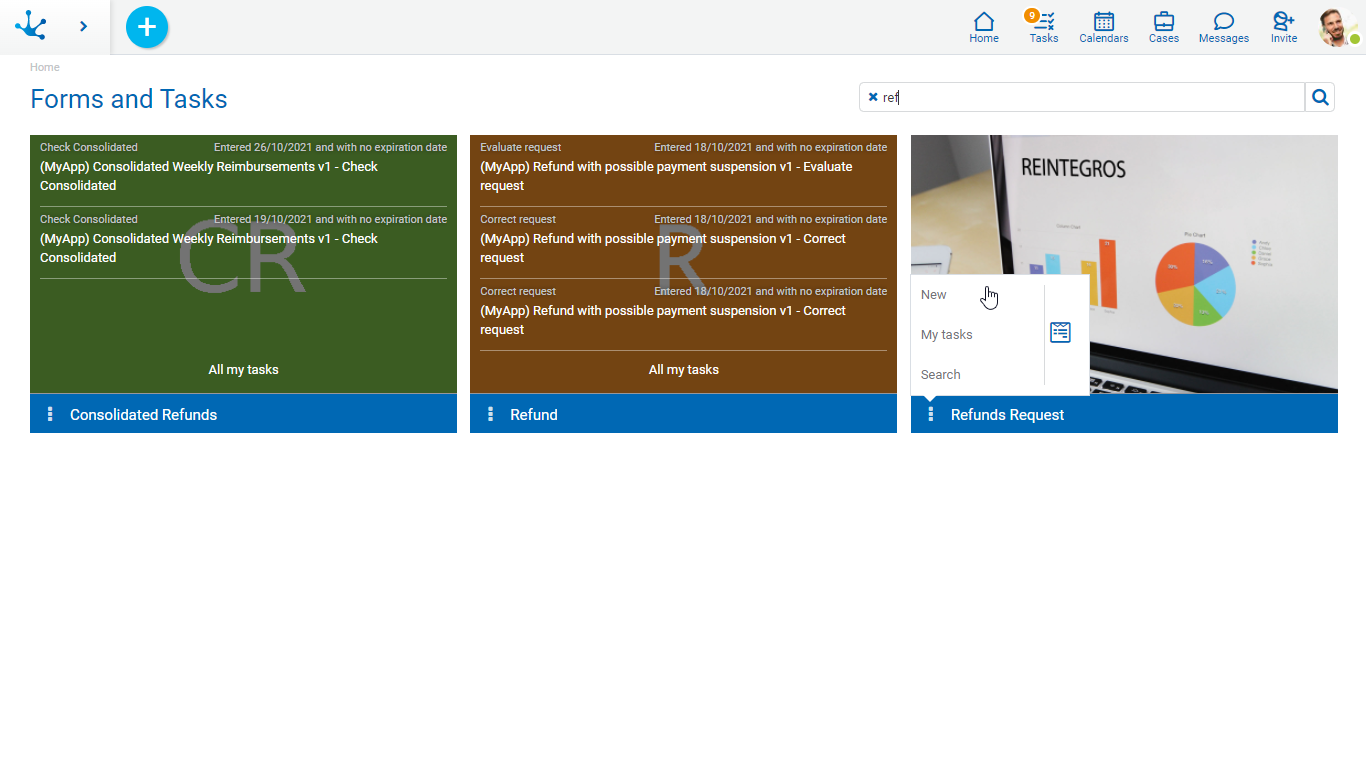
•The gallery of Forms and Tasks, selecting the “New” operation in the form associated to the process.
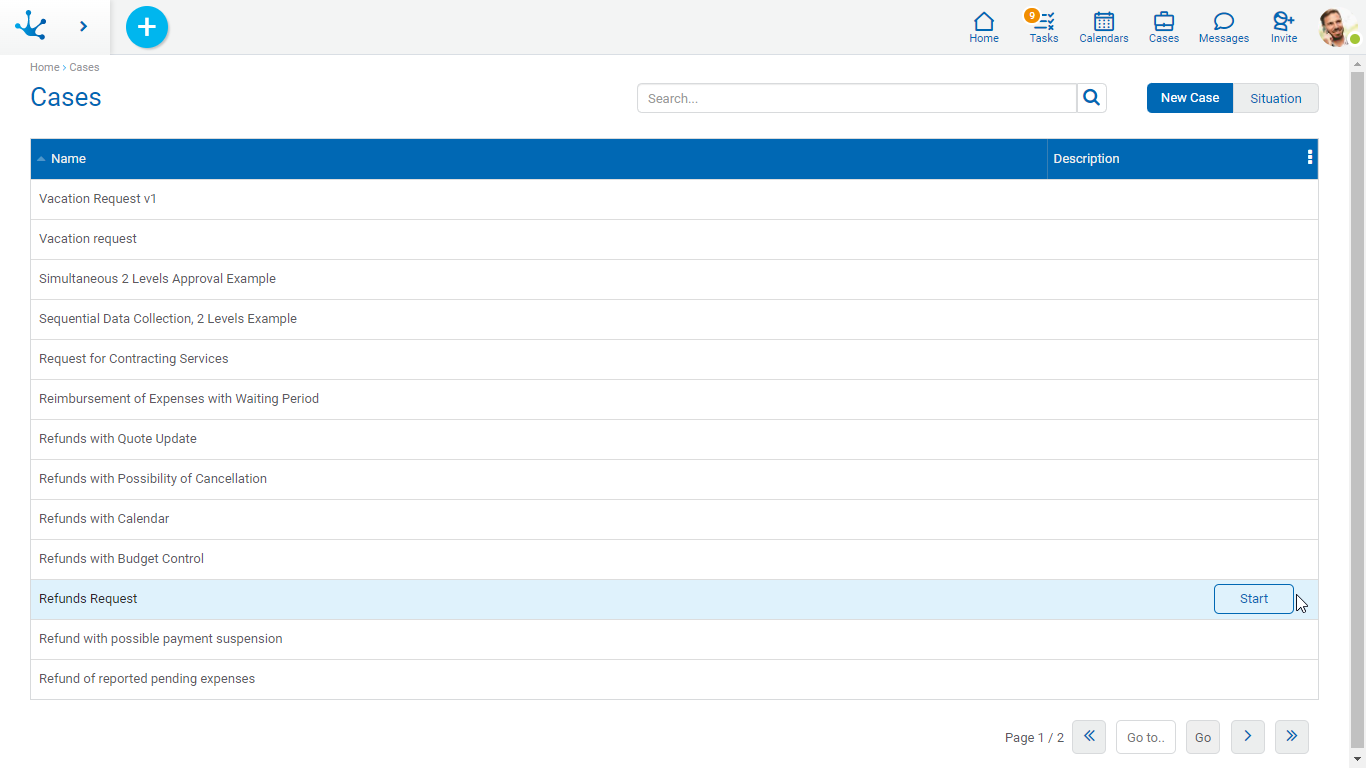
•The grid of Cases, selecting the "Start Case" tab and the process name.
Quick search allows to filter all processes whose names contain one or more words entered in the search section. To return to the original list, click on the icon  of the search bar.